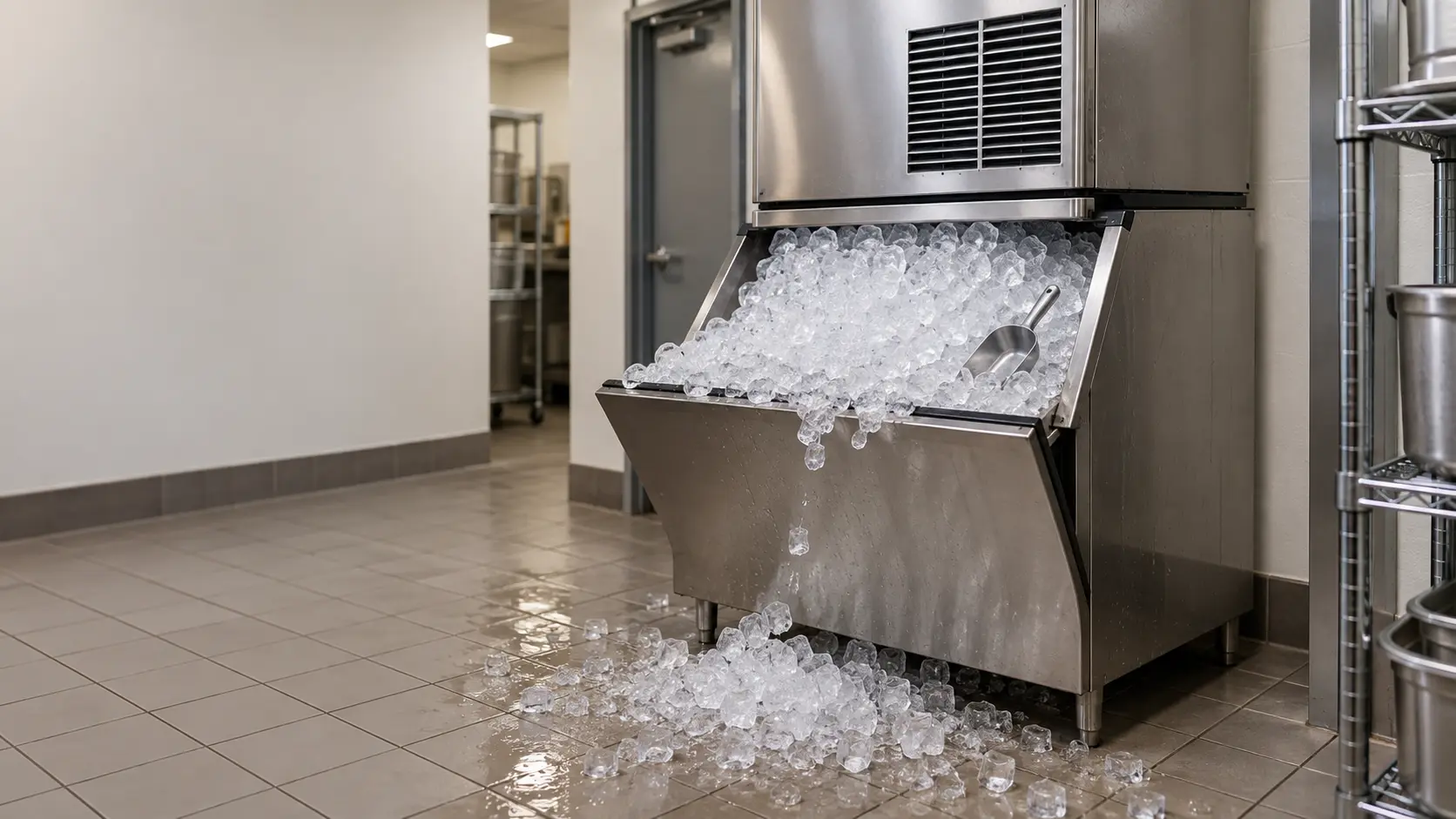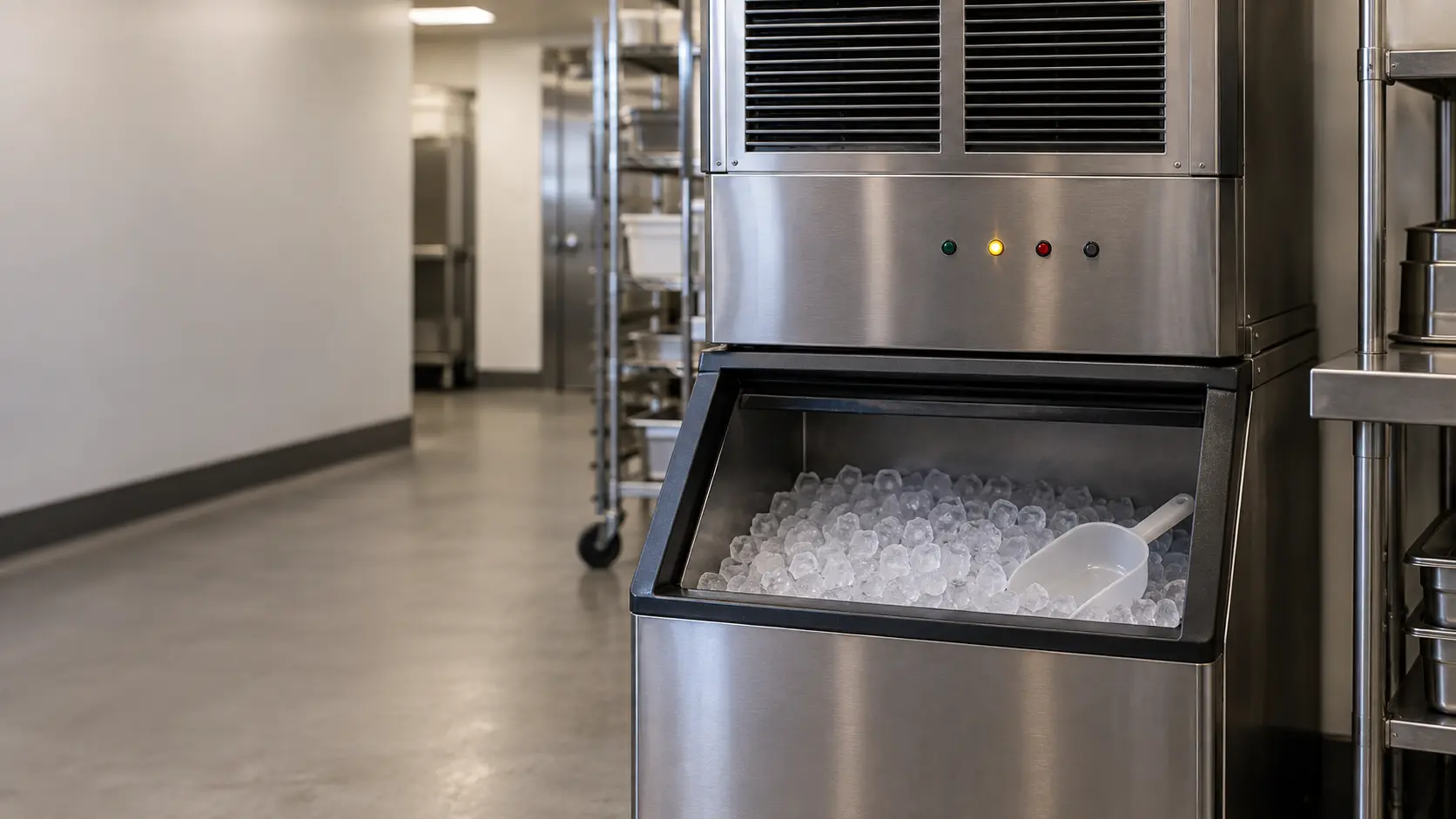


Three kinds of signal on the front panel
Makers lay their panels out differently, but ice machine indicator lights sort into the same three groups. Status lights say the machine is on, making ice, or resting with a full bin. Request lights ask for water, a cleaning or a filter. Protective signals report that the control has stopped the machine because a cycle ran too long or a sensor read out of bounds.
Knowing which group a light belongs to decides what happens next. A request is answered at the machine, a protective stop is restarted once and watched, and anything that repeats goes to a technician with a photo. The error code pages on this site cover specific codes by family; this guide is about telling the groups apart.
Four-light panels on Scotsman cubers
Scotsman's Prodigy modular and self-contained cubers carry four lights: Power, Status, Water and De-scale and Sanitize. On the modular machines they sit at the front; on the self-contained models they are under the bin door. The manual's table reads the same on both.
- Power steady green: normal. Power blinking green: the controller's self-test did not pass.
- Status steady green: normal, either making ice or resting with a full bin. Status blinking green: switching on or off.
- Status blinking red: a diagnostic shutdown, or if the machine is making ice, a temperature sensor problem.
- Water blinking red: the machine has sensed a lack of water.
- De-scale and Sanitize yellow: time to clean. Blinking yellow: the machine is in its cleaning mode.
- Any light off: no power, switched off, or simply normal for Water and De-scale.
The curtain switch lights
Inside the panel, component lights show which parts are running. Two of them, SW1 and SW2, report the water curtains, and a curtain light is on when that curtain is open or missing. On single-plate self-contained models, Scotsman notes one curtain light stays on all the time, which is normal and not a warning.
Source: Scotsman — C1448 and C1848 modular cuber installation and user's manual — Power, Status, Water and De-scale and Sanitize lights and their colors; SW1 and SW2 curtain lights on when a curtain is open or absent; Scotsman — CU1526, CU2026, CU3030 self-contained Prodigy cuber manual — Four indicator lights under the bin; single-plate models have one curtain light on all the time

Touch screens, alerts and safety limits
Manitowoc's Indigo NXT machines use a touch screen. The center of the home screen shows the machine's condition, such as making ice, bin full or off. An alert icon carries a count and opens a log of alerts, a notification icon holds routine maintenance reminders, and an information icon shows the model, serial number and installation date.
When a freeze reaches 35 minutes the control forces a harvest, and after six of those in a row the machine stops. When a harvest reaches 7 minutes it returns to freeze, and after three long harvests in a row it stops. Either stop shows as a flashing light marked SL1 or SL2 on the control board.
The restart Manitowoc asks for
Press the power button so the display reads Off, then press it again so it reads Making Ice. After a short delay the machine restarts. If it keeps running, the condition has corrected itself; if it stops again, the manual says to call for service.
Safe operation mode
If the thickness probe or the water level probe stops reading, Manitowoc's control can keep making ice for up to 72 hours on its cycle history and flashes an alert to say there is a production problem. After 72 hours it goes to standby. Treat that alert as a booking with a deadline, not as a machine that fixed itself.
Source: Manitowoc — Indigo NXT ice machines, installation, operation and maintenance manual — Home screen, alert, notification and information icons; 35-minute freeze and 7-minute harvest safety limits, SL1 and SL2; restart procedure; safe operation mode up to 72 hours
Residential undercounter and nugget panels
Premium residential undercounter ice machines usually have fewer lights and more timers. Scotsman's SRC065 turns on its Time to Clean light after six months of power, whatever the water is like, and keeps it on until the cleaning procedure has been run. A flashing red Check Water light means the control has found no water; it checks every 20 minutes and restarts by itself once the supply is back.
Nugget ice machines and countertop dispensers add signals for the auger, the dispense mechanism and the bin, and their meanings vary by maker more than cubers do. Read them against the manual for the exact model before acting on a guess.
Source: Scotsman Home Ice — SRC065 residential ice machine installation and user's manual — Time to Clean light after six months of power; Check Water light flashing red, water checked every 20 minutes with automatic restart
When a light or code means book
Answer a request once. Restart a protective stop once. What happens next is the diagnosis: a request that returns within a day, a safety limit that stops the machine again, or a code that appears alongside noise, heat or water is a visit, and the photo you took before the reset saves time on it.
- A self-test failure on the power light, or a diagnostic shutdown on the status light.
- A safety limit that returns after the maker's restart.
- A water signal with the supply valve open and a fresh filter.
- A cleaning reminder that returns soon after a full cleaning.
- Any signal that shows up alongside scorching smells, breaker trips or pooled water.