


Maxx Ice Bin Full Release: the ice machine is counting down to restart
Once ice is removed and the curtain or probe is free, the machine waits three minutes to be sure the bin really has room.
Mon–Sat, 8am–8pm
- Mode, not a failure
- No repair needed
- Source: Maxx Ice
Book a visit
Three short steps, about a minute.
or call (844) 410-9163
Loading appointment form…
The appointment form couldn’t load. Please try again.
What Bin Full Release
actually means.
Once ice is removed and the curtain or probe is free, the machine waits three minutes to be sure the bin really has room. During that time the LCD flashes Bin Full Release with a countdown, and LED models flash the red light. When the count reaches zero, ice making starts on its own.
Maxx Ice ice machine display · also shown as Red Bin Full LED flashing
What to do when Bin Full Release shows on the ice machineKind of codeMode, not a failure
Nothing is broken; the control is reporting a state someone chose or a routine it runs: a clean or sanitize reminder counting the hours since the last cycle, a delay of a few minutes after power returns before the pump and compressor start, a bin-full light while the bin control is satisfied, or a standby or off mode someone chose at the keypad. No part is needed; finishing the cycle the light asks for, waiting out the delay or the key sequence from the manual ends it.
Usually leads toNo repair
Wait the three minutes; nothing needs to be pressed.
Shows up asIce Machine Error Code or Flashing Light: What It Is Telling You
An ice machine error code may show as a number on a small display, a pattern of blinking lights on the control board, a colored light on the front, or a machine that stops with one indicator flashing.
MakeMaxx Ice
A Maxx Ice call opens with the location: room temperature, airflow around the unit and a drain that falls the way it should.
SourceMaxx Ice Intelligent Series MIM150N to MIM320N(H) service and installation manual
LCD wording on Intelligent Series models; on LED models the red light flashes for three minutes instead.
Before you book,
in this order.
Each step comes from Maxx Ice's own guidance for Bin Full Release on its ice machines. Follow it to the end: the last card says whether this is a visit.
Wait the three minutes; nothing needs to be pressed.
Keep scoops and bags away from the curtain or probe during the countdown so it does not restart.
If the countdown repeats over and over with room in the bin, book a visit to check the curtain switch or probe.
Cleared?
The light or code is gone, and the machine fills, freezes and drops a full batch of cubes into the bin with no new part. If it returns within a week, or the clean light comes back straight after a cleaning cycle, mention that in the booking.
What not to do
Bin Full Release is not a warning or a stuck cycle. It is also not Water Fill, which is a separate three-minute stage at power-up.
What you may
notice with it.
The ice machine problems Bin Full Release tends to arrive with. Answer these at the ice machine before anyone is booked.
All problems
No repair indicated
Nothing to repair.
Nothing is broken; the control is reporting a state someone chose or a routine it runs: a clean or sanitize reminder counting the hours since the last cycle, a delay of a few minutes after power returns before the pump and compressor start, a bin-full light while the bin control is satisfied, or a standby or off mode someone chose at the keypad. No part is needed; finishing the cycle the light asks for, waiting out the delay or the key sequence from the manual ends it.
Maxx Ice
ice machines.
A Maxx Ice call opens with the location: room temperature, airflow around the unit and a drain that falls the way it should.
Maxx Ice ice machine repairMore Maxx Ice codes
Mode, not a failure on other makes
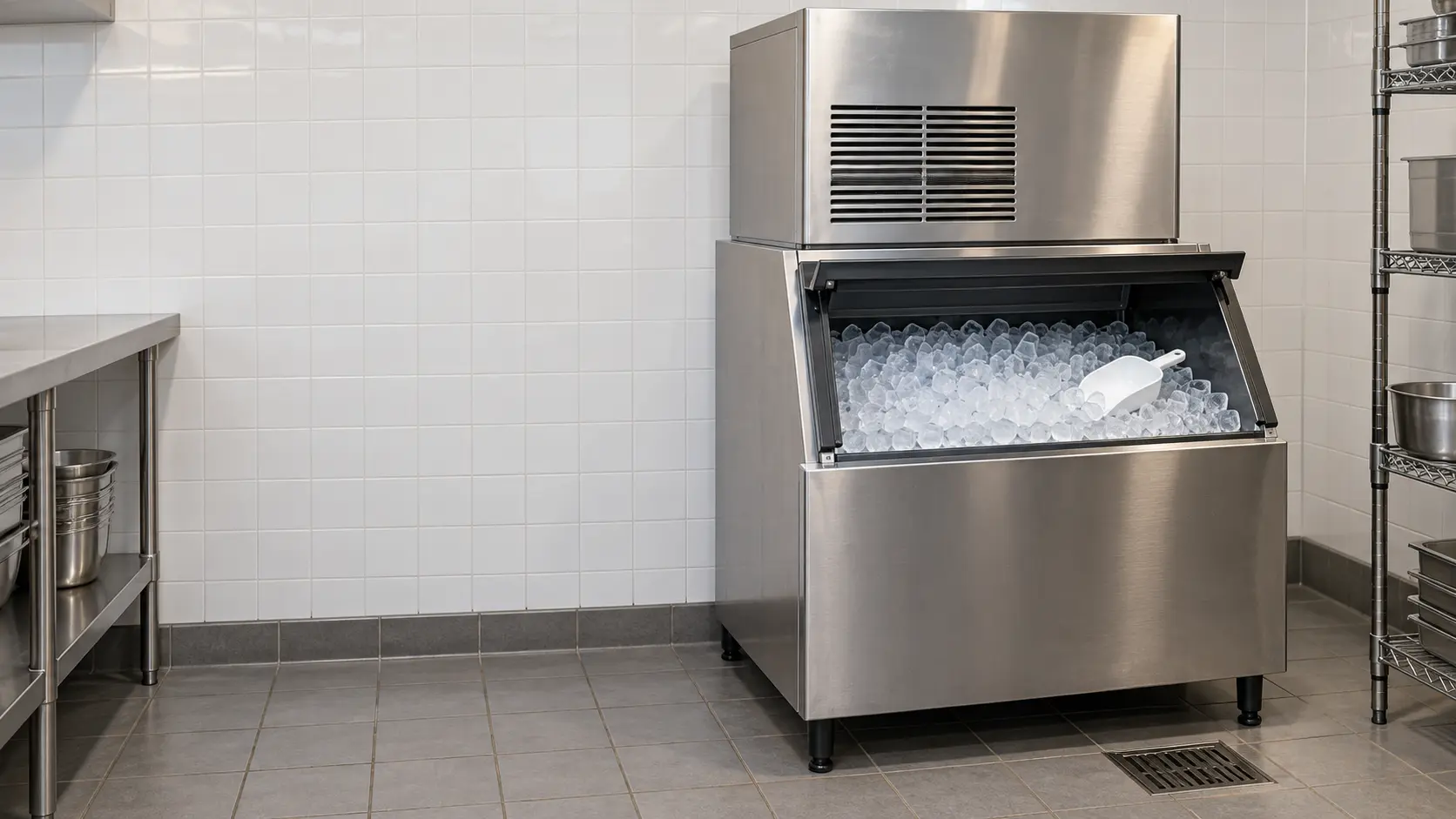
Modular ice machine
An ice-making head set on top of a separate storage bin or drink dispenser, cooled by air, water or a condenser on the roof, turning out hundreds of pounds of cubes a day.

Undercounter ice machine
A self-contained ice machine that makes and stores its own ice under a bar, a service counter or a kitchen island, from commercial units to clear-ice models in large homes.
In Maxx Ice's own words
"Bin Full Release" flashes until the words
Every code on this site is taken from the manufacturer's documentation, never from a forum or a parts listing. LCD wording on Intelligent Series models; on LED models the red light flashes for three minutes instead.
Maxx Ice Bin Full Release ice machine repair,
where we come out.
The same visit in every metro below: the code, the model number, and a diagnosis before any part is ordered.
All service areasTampa BayFL · 31 areas
Miami / South FloridaFL · 47 areas
New York MetroNY · 75 areas
HoustonTX · 36 areas
ChicagoIL · 50 areas
Los AngelesCA · 95 areas
San DiegoCA · 31 areas

Questions
about Bin Full Release.
Can I clear Bin Full Release myself?
Why does my Maxx Ice wait three minutes after I take ice out?
Can I skip the Bin Full Release countdown on a Maxx Ice?
My Maxx Ice flashes the red light for a while and then just stops again. Why?
Back to your everyday
Still showing Bin Full Release?
A booking with a code goes further when it carries the light or code copied as it appeared, the model and serial off the data plate, and a word on whether cubes still fall into the bin. With those three in hand, our office can match the probable part to your machine the same afternoon.